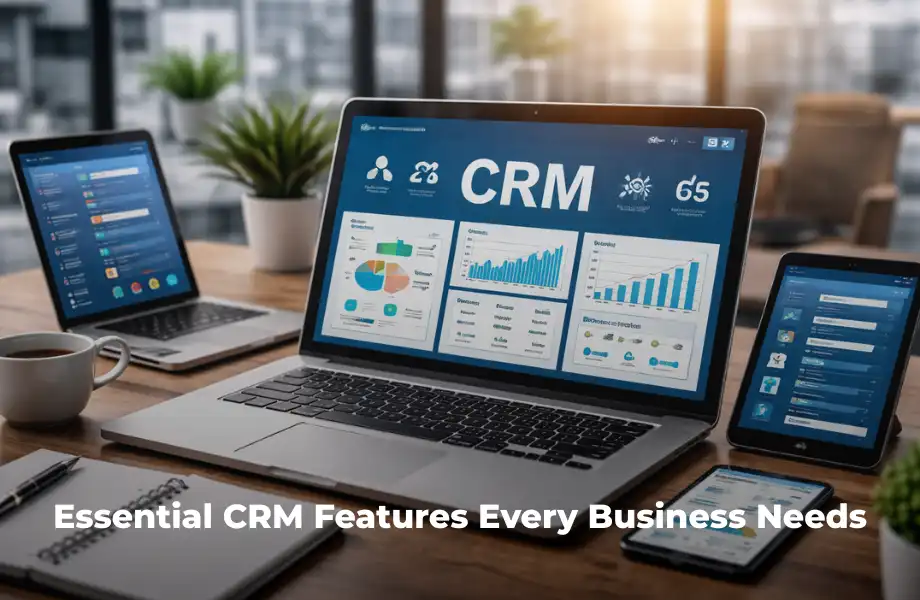
Choosing the right CRM software can make a big difference in how a business manages customers and grows sales. Modern CRM tools offer many features, but not all are equally important. Businesses need to focus on the core CRM features that improve efficiency, support teams, and enhance customer experience. In this guide, we explain the most essential CRM software features every business should look for. Understanding these features will help you choose the right system and use it effectively for long-term success.
Contact Management
Contact management is the foundation of any CRM system. It allows businesses to store, organize, and manage all customer information in one place. According to HubSpot, this includes details like names, emails, phone numbers, and past interactions. Having a centralized database helps teams access accurate information quickly. It also improves communication and ensures that no important customer detail is missed. This feature is essential for building strong relationships and delivering personalized experiences.
Centralized Customer Database
A centralized database ensures all customer data is stored in one system. This makes it easier for teams to find and update information quickly. It reduces duplication and errors while improving accuracy. With complete customer profiles, businesses can understand needs better and provide more personalized services.
Sales Pipeline Management
Sales pipeline management helps businesses track and manage their sales process from start to finish. According to Pipedrive, this feature provides a clear view of deals at every stage. It allows teams to identify opportunities and focus on high-priority leads. By visualizing the pipeline, businesses can improve forecasting and close deals faster. This feature ensures that no potential sale is overlooked and helps maintain a steady flow of revenue.
Tracking Deals Efficiently
This feature allows teams to monitor each deal as it moves through the pipeline. Sales reps can update stages, set reminders, and follow up with prospects. This improves organization and ensures timely action. It also helps identify bottlenecks in the sales process.
Automation and Workflow Management
Automation is one of the most valuable CRM functionalities. It reduces manual work and improves efficiency by handling repetitive tasks. According to Freshworks, businesses can automate follow-ups, lead assignments, and email responses. Workflow management ensures processes run smoothly and consistently. This helps teams save time and focus on important tasks like closing deals and building relationships. Automation also reduces errors and improves productivity across the organization.
Improving Efficiency with Automation
Automation tools take care of routine tasks, allowing employees to focus on more important work. This improves productivity and reduces the chances of human error. Businesses can complete tasks faster and maintain consistency in their processes.
Reporting and Analytics
Reporting and analytics are essential CRM system features that help businesses make informed decisions. According to Capterra, these tools provide insights into performance, customer behavior, and trends. Businesses can use dashboards and reports to monitor progress and identify areas for improvement. This feature helps in planning better strategies and achieving business goals. Data-driven insights are key to staying competitive in today’s market.
Using Data for Better Decisions
Analytics tools provide clear insights through reports and dashboards. Businesses can track key metrics and performance indicators. This helps managers make better decisions, reduce risks, and improve overall efficiency.
Communication and Interaction Tracking
Communication tracking is a crucial CRM capability that records all customer interactions. According to Zendesk, this includes emails, calls, and messages. It ensures that all communication is stored and accessible. This helps teams respond quickly and provide better support. By tracking interactions, businesses can improve customer satisfaction and build stronger relationships.
Enhancing Customer Engagement
Tracking interactions helps businesses understand customer needs and preferences. This allows for more personalized communication. Better engagement leads to higher satisfaction and long-term loyalty.
Lead Management and Scoring
Lead management is an important CRM feature that helps businesses capture and nurture potential customers. According to NetSuite, lead scoring helps prioritize prospects based on their likelihood to convert. This allows teams to focus on high-value opportunities. Effective lead management improves conversion rates and ensures better use of resources.
Focusing on High-Quality Leads
Lead scoring assigns value to each lead based on behavior and interest. This helps sales teams focus on prospects who are more likely to convert. It improves efficiency and increases sales success.
Customization and Flexibility
Customization is a key CRM feature that allows businesses to adapt the system to their specific needs. According to Monday.com, customizable dashboards and workflows improve usability. Businesses can adjust fields, processes, and reports to match their operations. This ensures the CRM system fits perfectly with business requirements and supports growth.
Adapting CRM to Your Business
Every business has unique needs, and customization allows the CRM to match those needs. This improves efficiency and ensures that the system supports business goals effectively.
Integration with Other Tools
Integration is an essential CRM software feature that connects the CRM with other business tools. According to Zoho CRM, integration improves workflow and data sharing. It allows systems like email, marketing, and accounting to work together. This reduces manual work and improves productivity. Seamless integration ensures that all tools function as one system.
Creating a Connected System
Integrated tools allow data to flow automatically between systems. This reduces errors and saves time. It also helps teams work more efficiently by using connected platforms.
Mobile Access and Cloud Support
Mobile access is an important CRM capability that supports modern work environments. According to Salesforce, cloud-based CRM systems allow users to access data anytime. This ensures productivity even when employees are not in the office. Mobile-friendly CRM tools make it easy to manage tasks and update information on the go.
Flexibility for Modern Teams
Mobile access allows employees to work from anywhere. This improves flexibility and ensures that business operations continue smoothly. It is especially useful for remote teams and field workers.
Project and Task Management
Some CRM systems include project management features that help businesses manage tasks after closing a deal. According to Insightly, this improves coordination and ensures tasks are completed on time. It also helps maintain strong customer relationships after the sale. This feature adds extra value by combining CRM capabilities with project management tools.
Managing Tasks Effectively
Project management tools help assign tasks, set deadlines, and track progress. This improves organization and ensures that teams complete work efficiently while maintaining customer satisfaction.
Explore More CRM Solutions
If you want to learn more about CRM systems, explore these guides:
Conclusion
Understanding essential CRM features is important for choosing the right system. Features like contact management, automation, analytics, and integration play a major role in business success. By selecting a CRM with the right capabilities, businesses can improve efficiency, increase sales, and build strong customer relationships. Investing in the right CRM tools will help your business grow and stay competitive.